

Clients bring paper. A referral from their doctor, a printed report from a clinic, a list of medicines, a scan someone emailed last spring. In a busy podiatry practice these sheets end up in a drawer, in a folder on the desk or in a photo on the specialist's phone. Months later the one document you need for a decision can't be found. A simple routine for client files fixes this, and it costs a couple of minutes at the moment the paper arrives.
What is worth keeping
Keep what can change how you work with this person's feet, and what you may need to look at again:
- referrals from a doctor or another specialist, with the reason for the referral;
- reports and conclusions from clinics, for example after a vascular or diabetes check-up;
- lists of current medicines, if the client brought one;
- notes from a previous podiatrist, if the client changed practices;
- any document the client asked you to keep with their record.
Receipts, adverts and unrelated paperwork can go back to the client. The fewer sheets in the file, the faster you find the one that matters.
Client files and visit notes
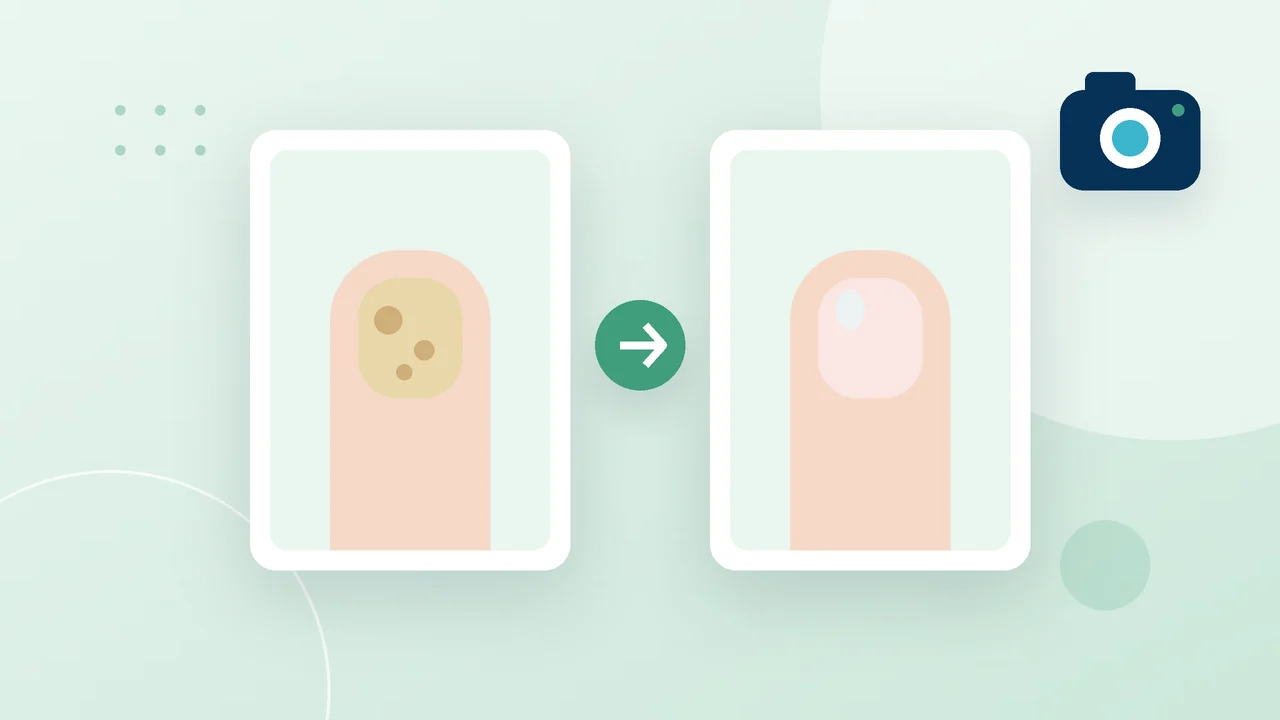
Visit notes describe what you saw and did on a specific day: the skin and nails, the procedure, the photos, the conclusion. Client files are documents from outside your room. They describe the person and don't belong to any single visit.
Keep the two apart. A scanned report attached to a visit gets lost among the procedure photos, and an observation scribbled on the back of a referral never reaches the record.
A routine for paper that comes in
Deal with a document when the client hands it over. These steps are quick:
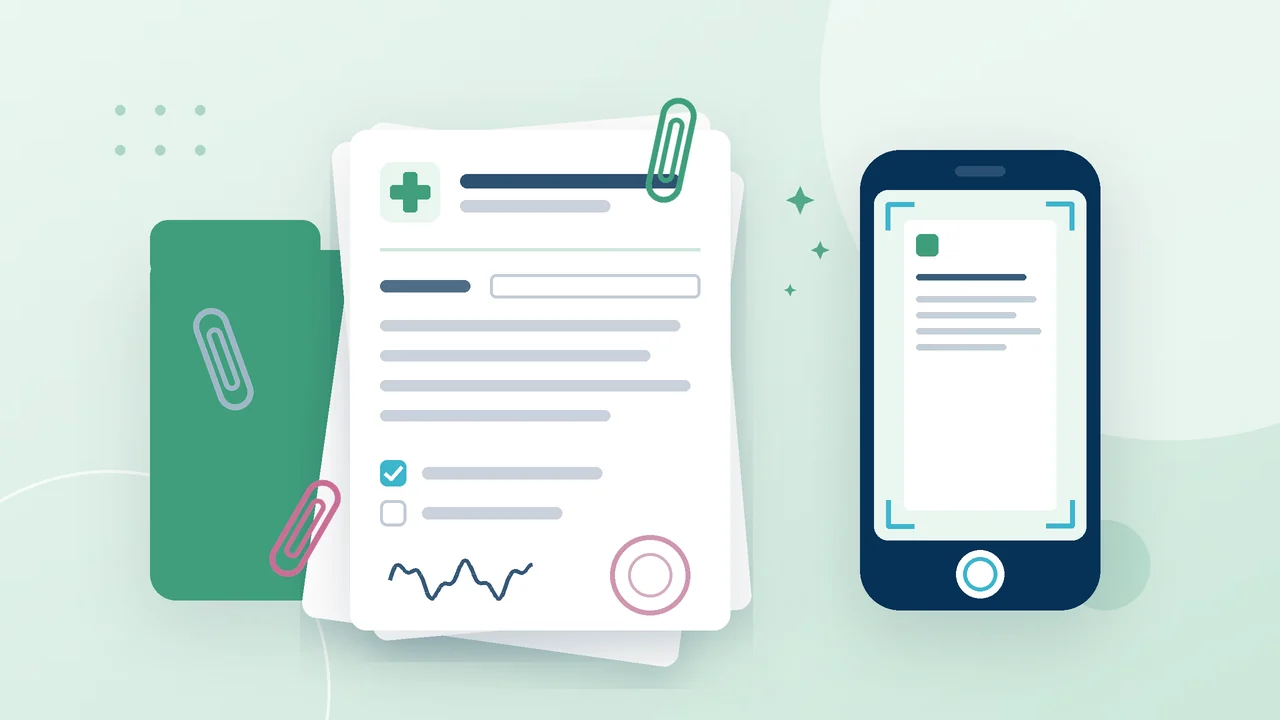
- Scan or photograph it right away. Lay the sheet flat, use good light and get the whole page in the frame.
- Check the scan before you give the sheet back. Zoom in on the date, the name and the conclusion. A blurry scan is dangerous because you will trust it until the day you actually need to read it.
- Name the file so you can find it later. The type of document and the date are enough: "referral 2026-03", "clinic report 2026-05".
- Add it to the client's record, not to your phone gallery, where it mixes with personal photos and goes wherever the phone goes.
- If the document changes something, write one line about it in the visit: that you saw the referral and what you will take into account.
Ask clients to bring their documents to the first visit. Many forget, so ask again next time.
Reading the file before the visit
Before a client you haven't seen for a while, open their files along with the last visit. Look for anything new since then and for anything that affects the procedure, such as a condition that calls for extra care with instruments or a change of medicines.
You don't have to interpret every medical report. Notice that it exists and might matter for the feet, and if something is unclear, ask the client or suggest they check with their doctor.
Who sees the paperwork
Medical documents are personal. If more than one person works in the practice, decide who needs to see client files. Keep paper originals out of sight of other clients, and once a document is scanned, give it back to the client or store it by your practice's own rules. Moving scans between devices through personal messengers is a habit worth dropping.
How this works in PodoCard
Each client card in PodoCard has a "Files" section for documents outside visits, such as referrals, medical reports and scans, up to 50 files per client. In the web version you drag files into the "Files" tab; in the app you upload them from the phone's files or gallery. The same card holds the client's health details as checkboxes, diabetes and blood clotting disorders among them.
In any system, the work comes down to one place per client for documents, a readable scan of every sheet and a look at the file before the next visit.