


A signed consent protects both sides: the client knows what will be done, and the specialist has a record that the client was informed. The trouble with paper is not the signing — it is finding the right sheet a year later.
Which consents are usually needed
- Consent to services — the client agrees to the procedure and has been told about it.
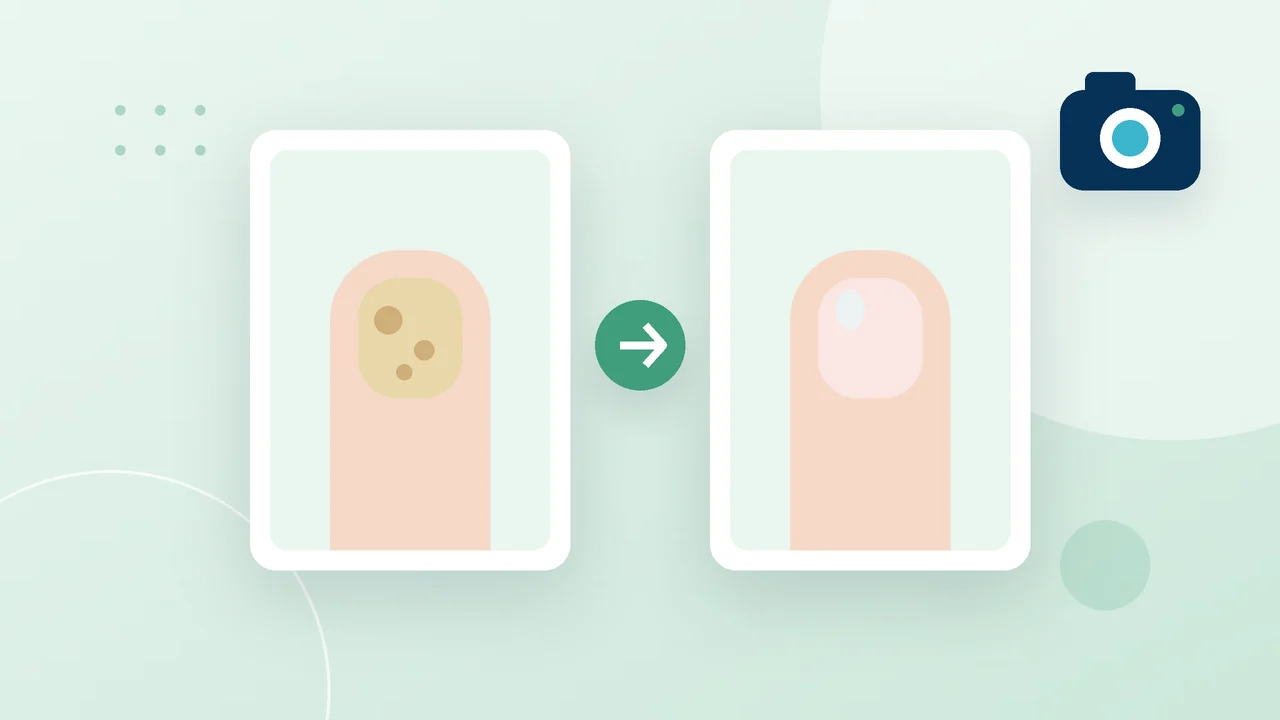
- Consent to photo documentation — you may photograph their feet and keep the photos in the record.
Requirements for such documents differ from country to country. If you are not sure about the wording, check it with a lawyer or your professional association — PodoCard lets you use your own texts instead of the standard ones.
Before the client signs
- Check the client's name and contact details — they go into the document.
- Give the client time to read the text, and answer their questions.
- Make sure the document is in a language the client understands.
How it works in PodoCard
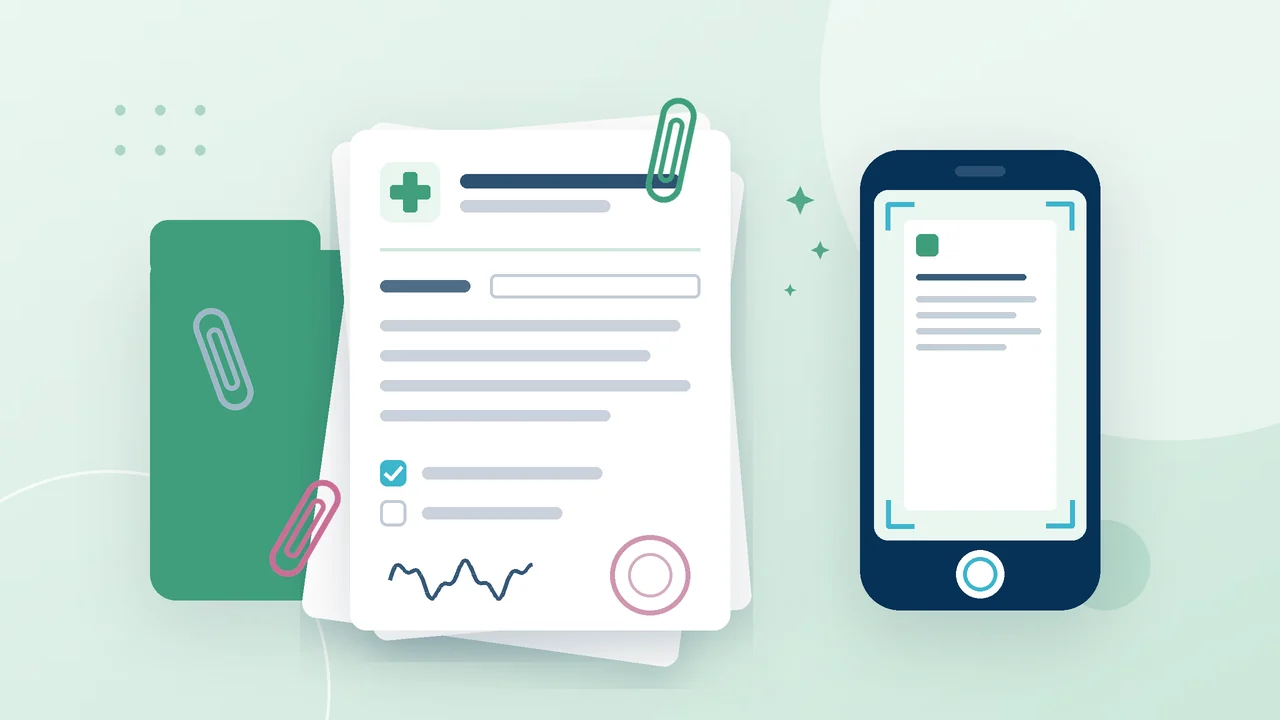
Both standard forms are filled in with the client's data automatically. The client signs right on the screen — with a finger or a mouse — the signature is embedded into a PDF, and the document is stored in the client card with the signing date. If the client has an e-mail, a copy is sent to them automatically.
The forms are available in eight languages: Ukrainian, English, Russian, Polish, German, Georgian, Kazakh and Spanish. The document language is set separately from the interface language, so the program can stay in your language while the documents are in the language of your clients.
Who sees the signed documents
A signed document can be downloaded by the owner and the administrator. A blank form can be opened by any staff member — so there is always something to show the client before signing. And the dashboard of the web version has a separate reminder about clients without signed consents.
Your own wording
If your practice already has its own consent texts, the owner or the manager turns on “Custom consents” in the “Documents” section of the web version — and your texts go into the PDF instead of the standard ones.